Design your island layout before you build it in-game.
Plan block-by-block layouts in 3D or top-down, stack across up to 128 layers, and keep an eye on your 40 building-point budget per region. Size the grid all the way up to 256×256 to mirror a full Pokopia region at true scale, place walls, doors, furniture and nature, then recreate the plan in-game. It is free, needs no login, and saves straight to your browser — so you never waste in-game time tearing down and rebuilding.
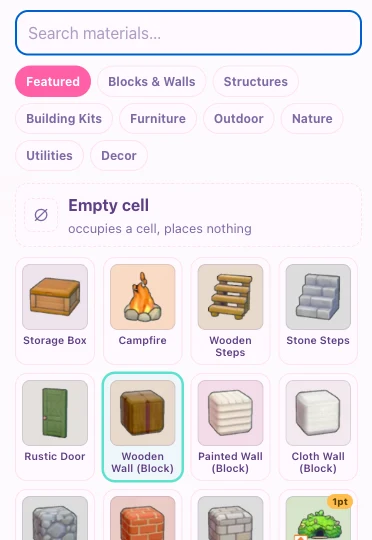
Open the palette and choose a block, wall, kit or decoration. Click the ground to drop your first piece — the picker remembers what you used recently.
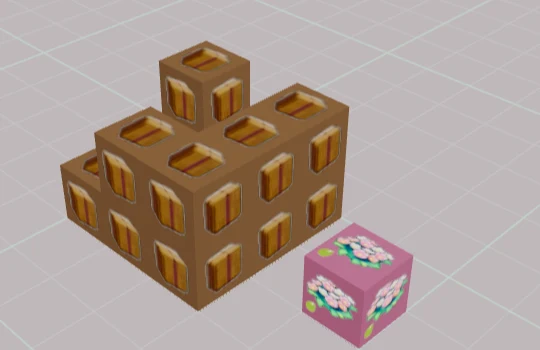
Click a block's top or side to build upward across up to 128 layers. Hand-placed blocks and walls are free; only pre-made Building Kits spend your 40-point budget.
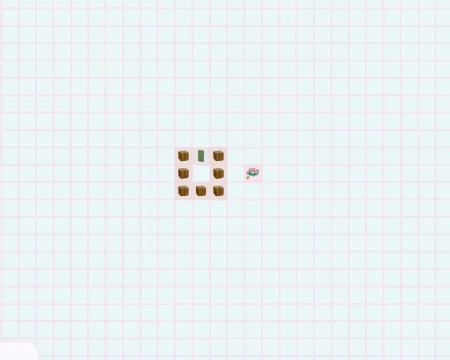
Flip to the top-down view for precise, grid-aligned placement, then use the layer chips to edit one level at a time.
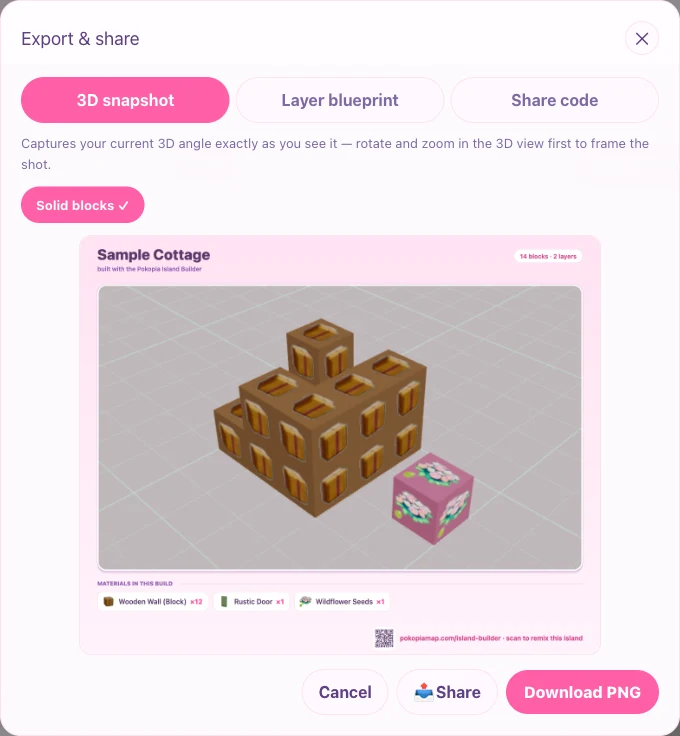
Done? Export a PNG of your build, or copy a Share code or QR so a friend can load your exact island.
Use the tool as a staging sheet before spending rare materials in-game. Start with the region size and building-point budget, block out the major path, then place kits only after you know which habitat, house, or decorative cluster needs the space. The planner is most useful when you keep one version for the exact build and another version for experiments.
When a layout supports a habitat route, note the target Pokemon and material loop next to the build. That keeps the island design connected to the Pokedex, habitat, map, and crafting pages instead of becoming a standalone mockup that is hard to rebuild later.
It is a free browser tool for planning your Pokopia island layout before you build it in-game. Place blocks, walls, furniture and nature across up to 128 layers, switch between 3D and top-down, then recreate the plan in the game. Everything saves in your browser, no account needed. Pair it with the Cloud Island map and the item list.
Each region has a 40 building-point budget. Only pre-made Building Kits spend points (1–2 each). Blocks and walls you stack by hand are free and do not count toward the 40, so you can build as much hand-placed detail as you like. The planner shows a live points meter so you never go over budget.
Yes. On tablet and desktop it opens in 3D by default; on phones it opens in the lighter top-down view to stay smooth, and you can switch to 3D anytime. It runs in any modern browser, with no install and no login.
Your work auto-saves to your browser as you build, and you can keep several named layouts. Use Export PNG to download a picture, or Share to copy a code anyone can paste in to load an exact copy of your layout.
It is a layout reference, not a 1:1 simulator. Cells, layers and the 40-point budget mirror the game's rules so your plan transfers cleanly, but exact in-game coordinates and terrain are not guaranteed.
Yes, completely free with every feature unlocked: no ads to watch to unlock the canvas, no paywall, no login. Larger canvases and multiple save slots are all included at no cost.
Every Pokopia region has a 40 building-point budget. Pre-made Building Kits — dens, huts, cottages and houses — spend points, while blocks and walls you stack by hand are free. The points meter updates live as you place kits and turns red if you go over 40, so you can plan a region that actually fits before you build it in-game.
Open the built-in sample cottage to see how walls, a door and layers come together, then remix it into your own design. Browse habitat preferences and the item list to plan Pokemon-friendly zones, then lay them out here before you build them in-game.